Quicknode Is Now an Official Connector in the Anthropic MCP Directory
Quicknode is now an official Anthropic MCP connector. Manage blockchain infrastructure across 80+ chains inside Claude with natural language.

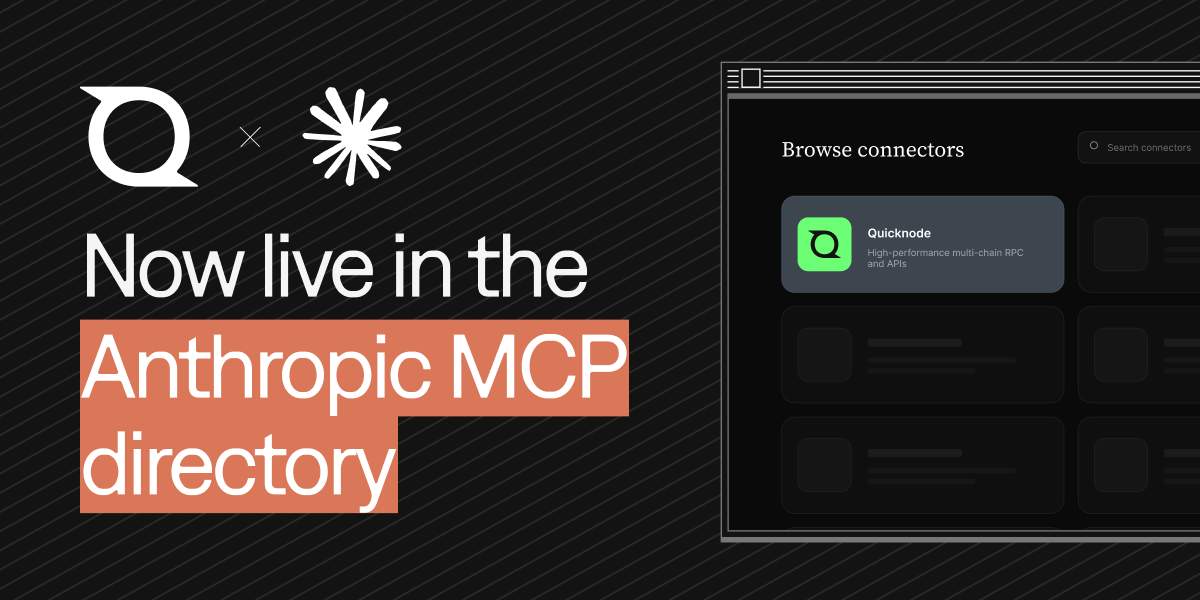
Quicknode is now listed as an official connector in Anthropic's MCP directory. You can add it inside Claude, then create endpoints, monitor usage, configure rate limits and security rules, and check billing across 80+ chains and 135+ networks using plain natural language. The connector URL is https://mcp.quicknode.com/mcp, it ships 19 tools, and it is hosted remotely so there is nothing to install.
What happened
Quicknode's remote MCP server passed Anthropic's review process and is now discoverable as a connector inside Claude. That means anyone using Claude can connect Quicknode directly and manage live blockchain infrastructure through conversation, without leaving the assistant and without writing a single script.
This places Quicknode among the first blockchain infrastructure providers with an official connector in the directory. For a category that has historically lived behind dashboards, SDKs, and REST calls, that is a meaningful shift: the infrastructure layer is now something an AI agent can operate on your behalf.
What is the Model Context Protocol (MCP)?
The Model Context Protocol (MCP) is an open standard that lets large language models talk to external tools and services through a consistent, message-based interface. Think of it as a universal adapter. Instead of an assistant guessing or hallucinating, an MCP server exposes a defined set of tools the model can call, with structured inputs and outputs.
Anthropic introduced MCP as the connective tissue between Claude and the outside world. A connector is simply a vetted MCP server that Claude can discover and use. When a provider is listed in the Anthropic MCP directory, it has been reviewed by Anthropic's MCP review team and made available to Claude users as a trusted integration.
What is the Quicknode MCP server?
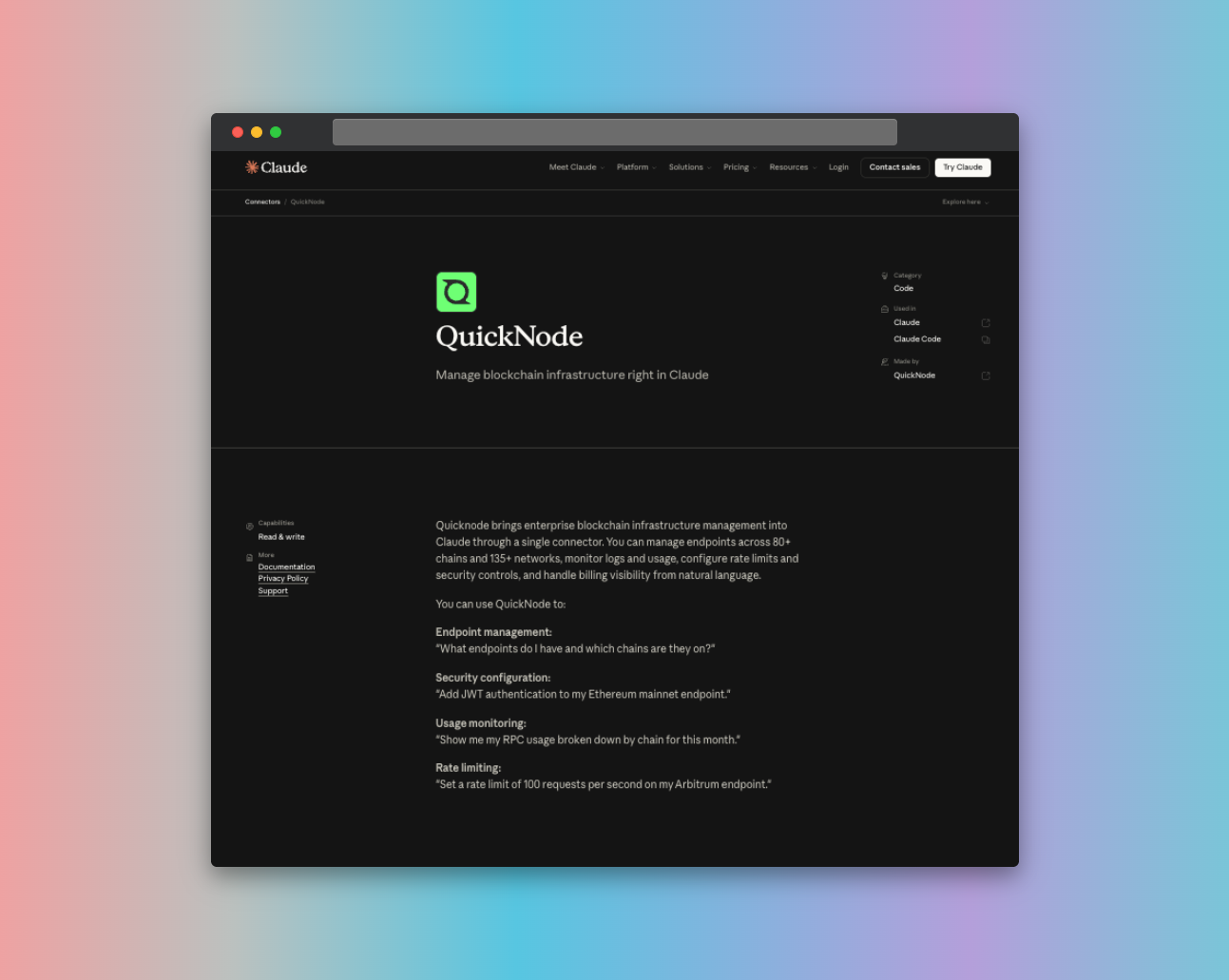
The Quicknode MCP server brings enterprise blockchain infrastructure management into Claude through a single connector. Once connected, Claude can act on your Quicknode account using natural language, covering the operations you would normally perform by hand in the dashboard.
With the connector, you can:
- Manage endpoints: create, read, update, and delete RPC endpoints across 80+ chains and 135+ networks.
- Monitor usage and billing: pull endpoint usage, request metrics, and billing visibility in real time.
- Configure security: set up security rules, JWT auth, IP controls, and endpoint-level rate limits.
- Inspect logs and metrics: retrieve endpoint logs and performance data to debug and optimize.
The server ships with 19 tools, including list-endpoints, get-endpoint, create-endpoint, delete-endpoint, list-endpoint-security, update-endpoint-security-options, create-security-rule, delete-security-rule, update-endpoint-rate-limits, and get-endpoint-metrics, among others.
The key detail for builders: you do not need to memorize tool names or API call signatures. You describe the outcome you want, and the MCP server interprets your intent, selects the right tool, and executes it. The role attached to your API key (Admin or Viewer) determines what the connector can do, keeping permissions under your control.
Quicknode's MCP server is also published on npm as @quicknode/mcp, but the directory listing uses the remote hosted version, so there is nothing to install locally. You connect by adding the server URL to Claude.
How to connect Quicknode in Claude
- Open the connectors directory inside Claude.
- Search for Quicknode under Connectors.
- Connect the server using the URL
https://mcp.quicknode.com/mcp. - Authenticate with a Quicknode API key. Assign Admin for full management or Viewer for read-only access.
- Start issuing natural language requests, for example: "Create an Arbitrum mainnet endpoint and set a rate limit of 25 requests per second."
The same connector works across Claude surfaces, including Claude Desktop and Claude Code, and the setup is similar in other MCP-compatible clients like Cursor.
Why a directory listing matters
Getting into the Anthropic MCP directory is not automatic. Submissions are reviewed against a real bar: a fully tested remote MCP server, OAuth where authentication is required, proper safety annotations on every tool, production-ready deployment, a dedicated support channel, and comprehensive documentation. Anthropic's review team tests tools live and sends back findings before approving.
For users, that review is the value. A directory listing signals the connector has been exercised end-to-end, that its tools behave as described, and that errors and edge cases have been hardened. It is a trust layer on top of the open protocol.
For Quicknode, the listing makes the product natively accessible to agents. As more work shifts from humans clicking through dashboards to agents executing tasks, being where the agent already lives is the distribution.
How does this fit Quicknode's agent-native stack
The MCP connector is one piece of a broader effort to make Quicknode usable by AI agents and the developers building them:
- x402 access: pay-per-request, wallet-authenticated endpoint access using USDC on Base, Solana, or Polygon, for lightweight permissionless use cases.
- Blockchain Skills: a reference package that gives coding agents accurate, current knowledge of the full Quicknode product suite, installable into Claude Code, Cursor, and other skills-compatible agents with one command.
- The MCP server: for provisioning and managing the infrastructure itself through conversation.
Together,does these cover the full loop: an agent can learn the product, provision the infrastructure, and pay for access, all without a human in the dashboard.
Frequently asked questions
Is Quicknode in the Anthropic MCP directory? Yes. Quicknode is listed as an official connector in Anthropic's MCP directory and is discoverable inside Claude.
What can the Quicknode MCP connector do? It manages blockchain infrastructure through natural language: creating and configuring endpoints across 80+ chains and 135+ networks, monitoring usage and billing, setting rate limits and security rules, and retrieving endpoint logs and metrics.
How do I connect Quicknode to Claude? Open the connectors directory in Claude, find Quicknode, add the server URL https://mcp.quicknode.com/mcp, and authenticate with a Quicknode API key set to Admin or Viewer.
Do I need to install anything? No. The connector is a remote hosted MCP server, so you connect by URL. A local npm package, @quicknode/mcp, is also available for developers who prefer to run it themselves.
Is it safe to let Claude manage my infrastructure? Permissions are tied to the API key role you provide. A Viewer key allows read-only operations, while an Admin key allows full management. You decide the access level.
What chains does it support? The connector covers 80+ chains and 135+ networks, the same breadth as Quicknode's core RPC and API platform.
Get started
If you use Claude, you can connect Quicknode today and manage your infrastructure by simply describing what you want. Add the connector, point it at your account, and let the agent handle the rest.